By purpose
How to Choose Thinning Scissors
Choose Thinning Scissors (thinners) by the number of teeth (the tooth count) and the thinning rate. The tooth count tells you how well the cut blends, and the thinning rate how much each cut takes. The model you choose depends on whether you want to remove weight or add texture to the ends.
Key points
- The more teeth on the comb-like blade, the finer the sections each cut is split into, so the cut blends more easily.
- The thinning rate (cut rate) is a guide to how much each cut takes. Choose standard to high for removing weight and low for creating texture.
- Choose a standard model that works for both removing weight and finishing as your first pair, and give a second pair its own role.
What Thinning Scissors are
Thinning Scissors have a row of comb-like teeth (a comb-like blade) on one blade. They are also called thinners. When the blades close, only the hair that falls into the grooves between the teeth is cut, and the rest passes through, so you can remove weight and add movement or texture to the ends without changing the length.
The other blade is a smooth blade, the same as on Cutting Scissors.
There are four main things to look at when choosing Thinning Scissors.
- The number of teeth (tooth count)
- The thinning rate (cut rate)
- The shape of the comb-like blade
- Size and handle
The difference in role from Cutting Scissors is covered in “Cutting Scissors vs Thinning Scissors”.
Reading the tooth count
The tooth count is the number of teeth on the comb-like blade. On the product pages it is shown as, for example, “30 teeth”.
| Tooth count | Section each tooth takes | How the cut looks | Main uses |
|---|---|---|---|
| Around 10 to 16 | Thick | Piece-y texture shows easily | Removing a lot of weight, creating piece-y texture |
| Around 20 to 30 | Medium | Blends naturally | Everyday weight removal, finishing |
| More than 30 | Fine | Lines are hard to see | Fine adjustments, blending as a finish |
On models with fewer teeth, each tooth takes a thicker section, so each cut takes more hair and the cut shows more piece-y texture. Models with more teeth split the hair into finer sections, so the cut is less visible.
Even at the same tooth count, the width of the teeth and the depth of the grooves differ between makers and models. The basic approach is to use the tooth count as a guide to the direction of the finish, and to read it together with the thinning rate.
Reading the thinning rate
The thinning rate (cut rate) is a guide to the proportion of the hair between the blades that is cut each time they close. Some makers state it and some don’t.
| Thinning rate | Amount cut | When to use it |
|---|---|---|
| Around 10 to 20% | Low | Creating texture at the ends, blending as a finish |
| Around 20 to 30% | Standard | Everyday weight removal |
| 30% or more | High | Reducing volume in dense hair |
The higher the thinning rate, the fewer passes it takes to remove weight. Because each cut takes more, take care where you go in and how many times. Models with a low thinning rate let you adjust a little at a time, so they suit finishing and creating texture.
For example, some of the models we carry offer a choice like this.
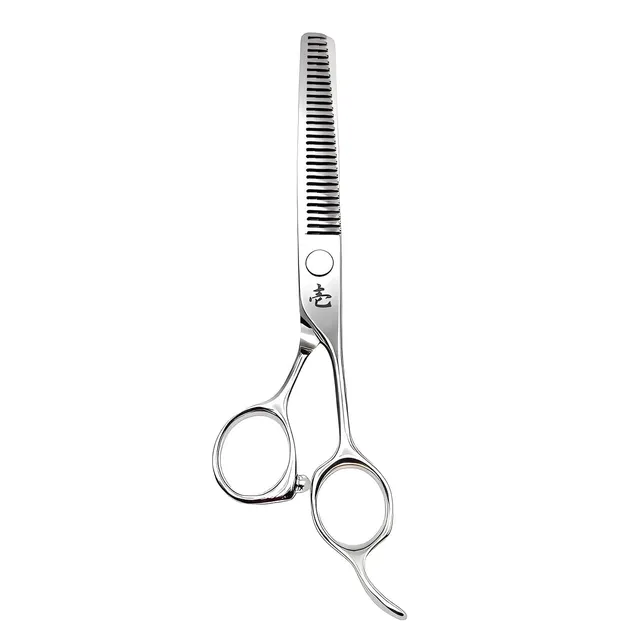
- Ichiro Texture Master Thinning Scissors: choose from three types, Light (cut rate 10 to 15%), Medium (20 to 25%) and Heavy (30 to 35%).
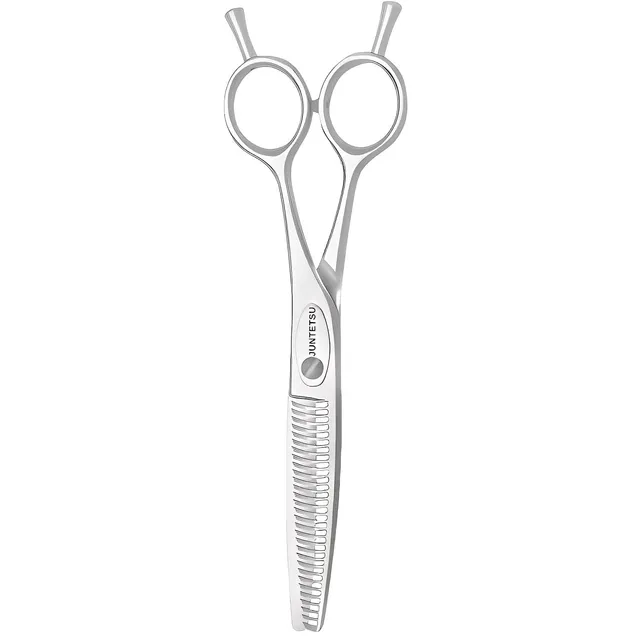
- Juntetsu Cobalt Thinning Scissors: choose from three types, Finesse (cut rate 15%), Blend (20%) and Sculpture (30%).
For models without a stated thinning rate, judge the direction of the finish from the tooth count and the shape of the comb-like blade.
Blade shape and finish
The shape of the teeth on the comb-like blade also affects the finish.
- Shallow, fine grooves: take less hair, so the cut blends easily.
- Deep, wide grooves: more hair goes into each tooth, so piece-y texture is easier to create.
- Widely spaced teeth: cut thick sections here and there, so they suit adding movement and piece-y texture.
Thinning Scissors with widely spaced teeth and a low tooth count are often called chunkers. They are used to remove a lot of weight or add piece-y texture to the ends.
Some models also have fine serrations (micro-serrations) on the straight blade. This finish stops hair slipping along the blade.
Thinners for removing weight and for texture
Thinning Scissors are easier to choose if you think of them as two broad groups, by how they are used.
Thinners for removing weight reduce the amount of hair and control volume. Models with a standard to high thinning rate and around 20 to 30 teeth are commonly used. Work them in from the mid lengths towards the root to even out the overall weight.
Thinners for texture (texturising scissors) add movement and lightness to the ends. Models with a low thinning rate or widely spaced teeth are used. Work them in close to the ends, a little at a time.
If one pair has to do both, choose a model with a standard thinning rate and adjust with where you go in and how much hair you take.
Choosing size and handle
Many Thinning Scissors are around 6.0 inch, and most of the models we carry are 6.0 inch. Choosing the same size as your Cutting Scissors, or slightly shorter, makes switching between them feel more natural.
The basic approach is to match the handle shape to your Cutting Scissors. If your Cutting Scissors are offset, choosing offset Thinning Scissors too lets you switch without changing your hold.
If you are left-handed, choose left-handed Thinning Scissors. Left-handed models are featured in “Scissors for Left-Handed Hairdressers”.
Choosing a first and a second pair
For your first pair, choose a standard model that works for both removing weight and finishing. Around 30 teeth and a thinning rate of around 20 to 30% is one guide.
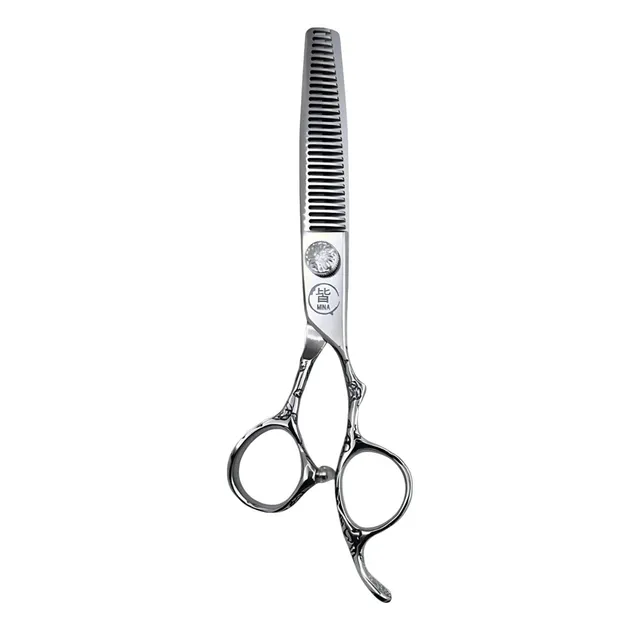
- Mina Sakura II Thinning Scissors: 6.0 inch, 30 teeth, offset handle.
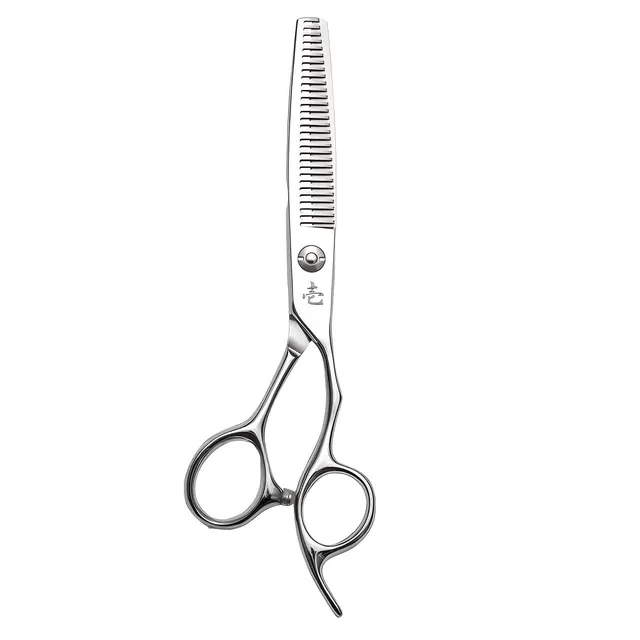
- Ichiro Ergo Apprentice Thinning Scissors: 6.0 inch, 30 teeth, offset handle. A model for students and new stylists.
For your second pair, give it a different role from the first.
- If many of your clients have dense hair: a model with fewer teeth that takes more hair in each cut. For example, the Juntetsu Chomper 10 Teeth Thinning Scissors or the Juntetsu Chomper 16 Teeth Thinning Scissors.
- If blending as a finish matters most: a model with a low thinning rate, or one with more teeth. For example, the Juntetsu Aero-Pro Cobalt Thinning Scissors come in 30 and 40 teeth.
- If you want to switch between piece-y texture and finishing: the Ichiro Kawa Z-Balance Thinning Scissors come as a 14-tooth Chunker or a 30-tooth Blender.
The basics of using them
- Don’t take sections that are too thick. With a thick section, the amount cut varies.
- Go in slightly towards the root rather than right at the ends.
- Don’t go into the same place again and again.
- After each pass, comb through and check how much was cut before moving on.
Clippings easily get left between the teeth of Thinning Scissors, so after use, brush between the teeth as well. How to care for them is set out in “How to Care for Your Scissors”. Resharpening the comb-like blade needs dedicated skill. For resharpening, see “When to Get Your Scissors Sharpened”.
Common mistakes and what to reconsider
With Thinning Scissors, the finish changes a lot with the combination of technique and model. If you aren’t getting the finish you expect, review these points.
| What you notice | Possible cause | What to reconsider |
|---|---|---|
| Weight doesn’t come out however often you go in | Low thinning rate, sections too thick | A model with a standard to high thinning rate, take thinner sections |
| Too much comes out in one go | High thinning rate, few teeth | A model with a lower thinning rate, fewer passes |
| Lines show in the cut | Few teeth, going into the same place | A model with more teeth, vary where you go in |
| The ends look dry and wispy | Going in too close to the ends | Go in slightly towards the root |
| Hair folds between the teeth | Loose tension, condition of the edge | Check the tension, consider resharpening |
“Weight doesn’t come out” and “too much comes out” can sometimes change just by reviewing where you go in and how thick your sections are, before changing models.
Tips for finding a model
In the “Thinning Scissors” list, you can filter by tooth count, size and handle shape. For example, filtering by “30 teeth” lets you compare standard models that are easy choices for a first pair. On models where you can choose the thinning rate, the options on the product page show a “cut rate”.
Summary
- The tooth count tells you how well the cut blends, and the thinning rate how much each cut takes.
- Choose a standard to high thinning rate for removing weight, and a low one for texture.
- Choose a standard model of around 30 teeth as your first pair, and give a second pair its own role.
Browse every model in the “Thinning Scissors” list. If you are choosing them together with Cutting Scissors, see the “Scissor sets” and “How to Choose a Scissor Set” as well.
Cut rate, as stated by the maker
Shown only where the maker states a rate. Never worked out from the tooth count.
- Ichiro Texture Master, Light 10–15%
- Ichiro Texture Master, Medium 20–25%
- Ichiro Texture Master, Heavy 30–35%
- Juntetsu Cobalt, Finesse 15%
- Juntetsu Cobalt, Blend 20%
- Juntetsu Cobalt, Sculpture 30%
- Mina Sakura II Thinning Scissors Not stated
- Ichiro Ergo Apprentice Thinning Scissors Not stated
- Ichiro Kawa Z-Balance Thinning Scissors Not stated
- Juntetsu Chomper 16-Tooth Thinning Scissors Not stated
- Juntetsu Chomper 10-Tooth Thinning Scissors Not stated
- Juntetsu Aero-Pro Cobalt Thinning Scissors Not stated
The models in this guide
| Model | Sizes | Handle | Edge | Hand | Price (tax-free) |
|---|---|---|---|---|---|
| Mina Sakura II Thinning Scissors | 6.0″ | Offset | 30 Teeth | Right-handed | ¥13,091 |
| Ichiro Ergo Apprentice Thinning Scissors | 6.0″ | Offset | Convex, 30 Teeth | Right-handed | ¥19,727 |
| Ichiro Texture Master Thinning Scissors | 6.0″ | Offset | 30 Teeth | Right-handed | ¥22,909 |
| Juntetsu Cobalt Thinning Scissors | 6.0″ | Offset | 30 Teeth | Right-handed | ¥39,636 |
| Ichiro Kawa Z-Balance Thinning Scissors | 6.0″ | Offset | – | Right-handed | ¥24,545 |
| Juntetsu Chomper 16-Tooth Thinning Scissors | 6.0″ | Offset | 16 Teeth | Right-handed | ¥26,000 |
| Juntetsu Chomper 10-Tooth Thinning Scissors | 6.0″ | Offset | 10 Teeth | Right-handed | ¥26,000 |
| Juntetsu Aero-Pro Cobalt Thinning Scissors | 6.0″ | Offset | – | Right-handed | ¥50,182 |